Ricochet — two keys, and neither means what it says Runs here
1996 · Bob Urschel · Mac OS 8 · SheepShaver (Power Macintosh 9500) · 800×600 at 8-bit colour
Guide updated September 2026
A runner crosses the board on its own. You cannot stop it and you cannot point it; all you can do is press the left or right arrow key, which turns it — but which way depends on the direction it is already travelling. Going left to right, the right arrow sends it up. Going right to left, the same key sends it down. The object is to hit every target on the level, and the whole game is learning to think in the runner's frame rather than your own.
Bob Urschel wrote it, graphics and sound included, in Valparaiso, Indiana, and released it as charityware: the registration fee went to a national non-profit. The unregistered copy here plays the first fifteen levels, exactly as it was distributed.
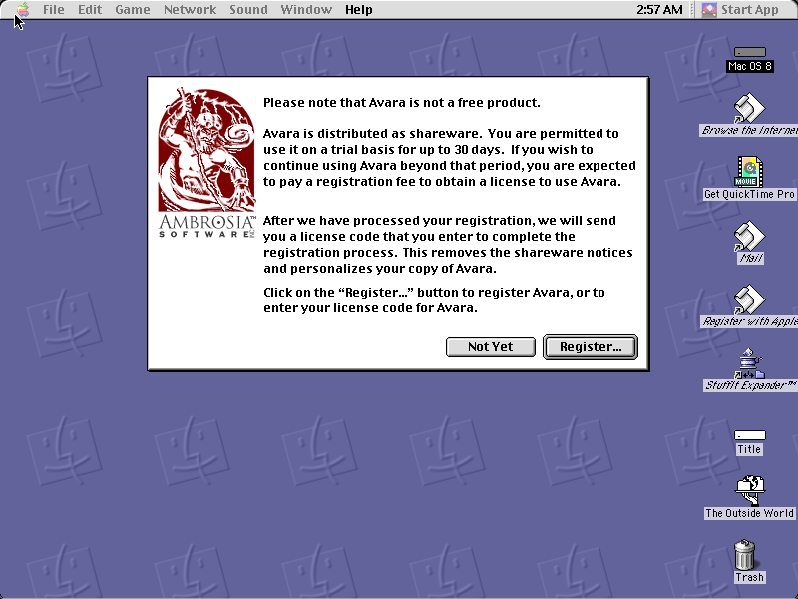
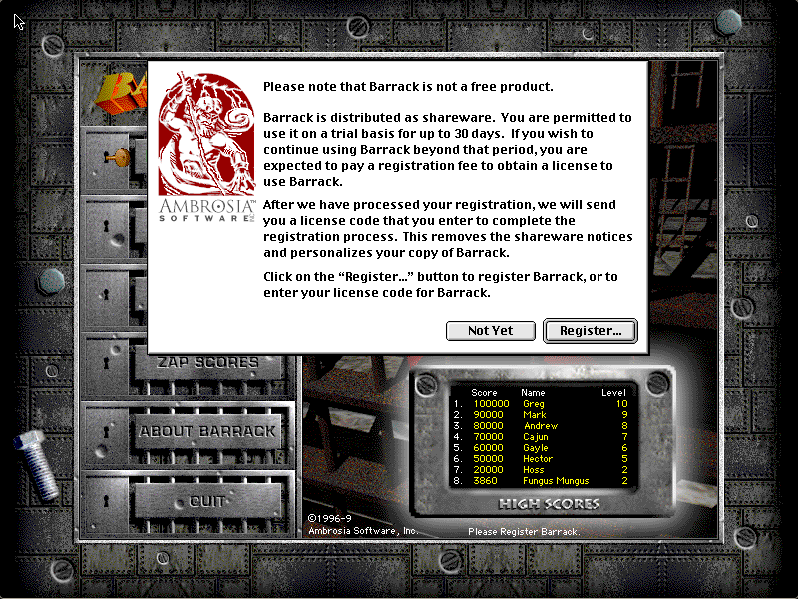
Boots Mac OS 8.6 and opens Ricochet. Click Not Yet on the charityware notice, OK on the name, then click to continue; press start, then the up arrow.
Controls
| Not Yet | Play without registering |
| Up arrow | Start or pause the level |
| Left / right arrow | Turn the runner (relative to its direction) |
| Mouse | Menus and the main-screen buttons |
Charityware. The author's licence permits non-profit distribution provided the software is unmodified and complete. This copy is the unregistered release, with its registration notice and documentation intact.
Archives
- Internet Archive — the Tucows Macintosh archive copy this was built from.
How it works & what to expect
| Machine | Power Macintosh 9500, 800×600 in colour |
|---|---|
| System | Mac OS 8.6, shared with every other title of this era |
| Emulator | SheepShaver, compiled to WebAssembly |
| Saves | High scores persist inside the emulated Mac, in your browser |
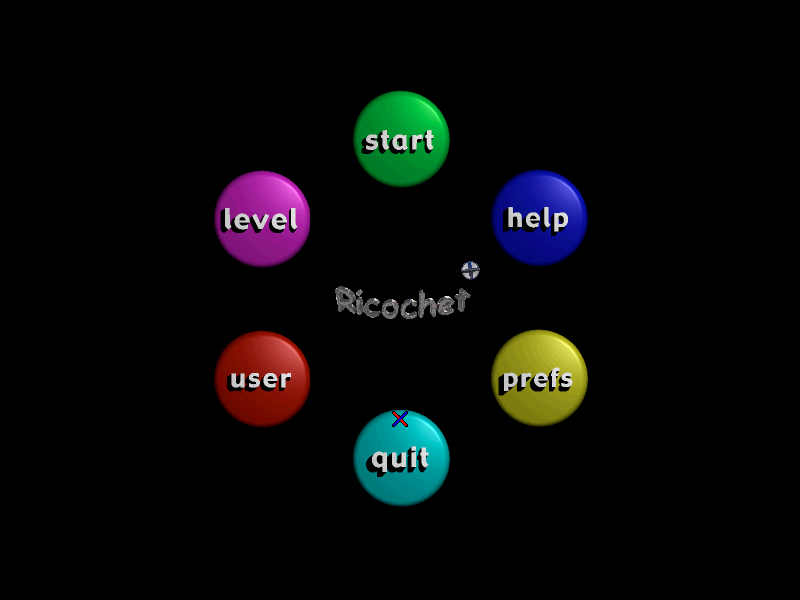
The first screen is Ricochet's own registration notice — click Not Yet. It then asks for a player name; click OK, click once more to get past the level list, and you are on the main screen, a ring of coloured buttons around the title. start takes you to the board, and the up arrow begins the level.
Ricochet does not carry its own operating system: Mac OS 8.6 comes from the image shared with the other late-1990s titles here, so it starts faster if you have already opened one of them.
Why it is worth a look
Two keys, relative to the runner. Most games map a key to a direction on the screen. Ricochet maps it to a turn, from the runner's point of view, and the readme spells out all four cases because nobody gets them right at first. It is the sort of control scheme that feels hostile for five minutes and then becomes the whole pleasure of the thing.
Deflectors and obstacles do the rest. The board is full of things that change the runner's course on their own, explained on the Help screen from the main menu. Planning a route through them is where the puzzle is.
Charityware. A variation on shareware that was more common than it is remembered: the same honour-system request for payment, with the money going to a cause rather than the author. The notice at startup says so, and it is left exactly where Bob Urschel put it.
Getting started
Click Not Yet, then OK on the name, then click to continue.
On the main screen, help explains the targets and obstacles; read it once. Then start, and press the up arrow to begin.
When you finish a level the game shows the next level's password. Write it down — it is how you skip back to where you were.
Questions people ask
Why does the right arrow not go right?
Because the keys turn the runner relative to the way it is moving. Travelling left to right, right-arrow turns it up and left-arrow turns it down; the other directions follow the same logic.
Do I need a registration code?
No. Click Not Yet on the opening notice. The unregistered version plays the first fifteen levels.
What is charityware?
Shareware whose registration fee went to a charity rather than the author. Ricochet's went to a national 501(c)(3) non-profit.
How do I start a level?
Press start on the main screen, then the up arrow. The up arrow also pauses.
Can I build my own levels?
The game includes a level editor, but it is one of the things registration unlocked, so it is not available here.
Who made it?
Bob Urschel, who did the programming, graphics and sound himself, between 1996 and 1999.
Put Ricochet on your own site
Free, no permission needed and no account. Paste this where you want the machine to appear; it brings its own emulator and asks nothing of your page.
<iframe src="https://macemu.com/embed/ricochet/"
        width="800" height="600"
        style="border:0;max-width:100%"
        allowfullscreen
        title="Ricochet"></iframe>
Sized to this title's real screen. How embedding works.