Mac OS 8
Mac OS 8 arrived in July 1997, at the point where Apple was close enough to failing that its survival was a live question in the press. It is a better system than that story suggests.
What it brought
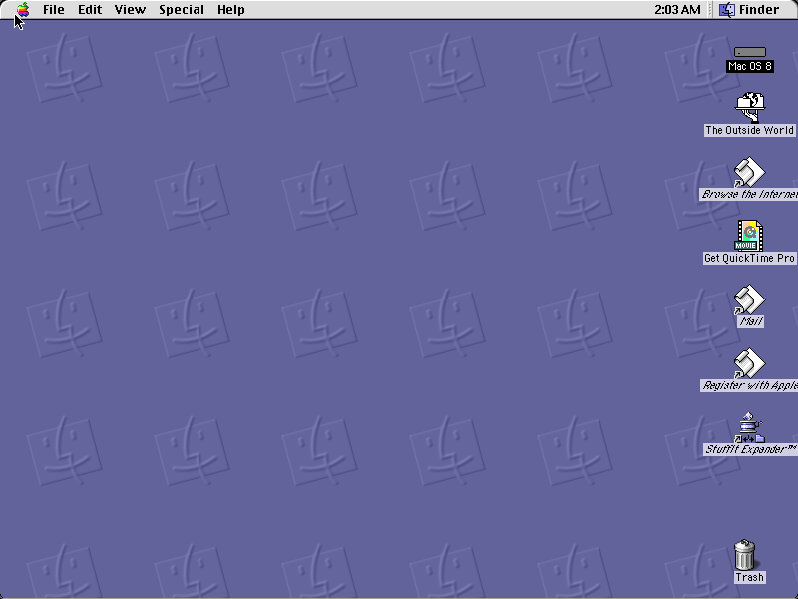
The Platinum appearance replaced the flat grey of System 7 with soft three-dimensional shading — the look most people picture when they think "old Mac OS", and the first time the interface had been visually overhauled since 1984. Contextual menus arrived, on a one-button mouse, via Control-click. The Finder became multi-threaded, so copying a large folder no longer froze everything.
Mac OS 8.1, in January 1998, added HFS Plus, which fixed a genuine problem: on the old filesystem a one-gigabyte disk allocated space in sixteen-kilobyte blocks, so a one-byte file consumed sixteen kilobytes, and a drive full of small files wasted most of itself.
Why this is a small collection
Most software that ran under Mac OS 8 also ran under System 7.5, because developers had no reason to abandon an installed base that large. A title genuinely needs Mac OS 8 only if it depends on the Appearance Manager or the newer filesystem, which is a short list.
In practice, if something from this era will run under System 7, it is better off there — the emulation is lighter and the machine starts faster. This era matters most as the bridge to Mac OS 9 and, from there, to the end of the classic Mac OS entirely.
How it runs here
Basilisk II for the 68k releases, SheepShaver for anything that requires PowerPC. Both compiled to WebAssembly and both heavier than the System 6 and System 7 machines — worth it for titles that need them, unnecessary for anything that does not.
What a Power Macintosh costs to emulate
The compact Macs elsewhere on this site are small machines in every sense: a Macintosh SE is eight megahertz and its entire world fits in a few hundred kilobytes. A Power Macintosh 9500 is a PowerPC 604 with a real memory management unit, and Mac OS 8 expects a few hundred megabytes of disk to live on. Emulating one in a browser tab means fetching and running an operating system rather than an application.
The disk is served in 256-kilobyte pieces, addressed by the hash of their contents, so nothing is downloaded twice and the empty two-thirds of a five-hundred-megabyte volume costs nothing at all. The emulator reports which pieces it wants first, and those are recorded so the next visitor's machine asks for them up front. It is still a slower start than a game that fits on a floppy, and it should be — you are booting a computer.
Where this era ends
Mac OS 8 was followed by Mac OS 9 in 1999, and then by nothing: Mac OS X was a different operating system wearing the family name, built on NeXTSTEP rather than on the lineage that began in 1984. Classic applications survived for a few more years inside an emulation layer, and then stopped running at all when Apple moved to Intel in 2006.
That is the reason a site like this exists. Software from the System 6 and System 7 years has been unrunnable on Apple hardware for two decades, and the gap is now long enough that the machines themselves are museum pieces. An emulator in a browser is, for most people, the only remaining way to open these programs and find out what using them was actually like.
Play now
Guides
- Marathon 2: Durandal 1995 · Bungie Software