EV Override — a shuttlecraft, some money and a universe Runs here
1998 · Ambrosia Software · Mac OS 8 · SheepShaver (Power Macintosh 9500) · 800×600 at 8-bit colour
Guide updated September 2026
You start with a small shuttlecraft, a little money, somewhere near Earth. From there it is up to you: haul cargo between systems, take missions from the bar, hunt pirates, or pick a side in a war that your choices can actually move.
EV Override is Ambrosia's 1998 follow-up to Escape Velocity, with a universe its own FAQ puts at five times the size of the original's and more than 250 missions. This is version 1.0.2, running on an emulated Power Macintosh.
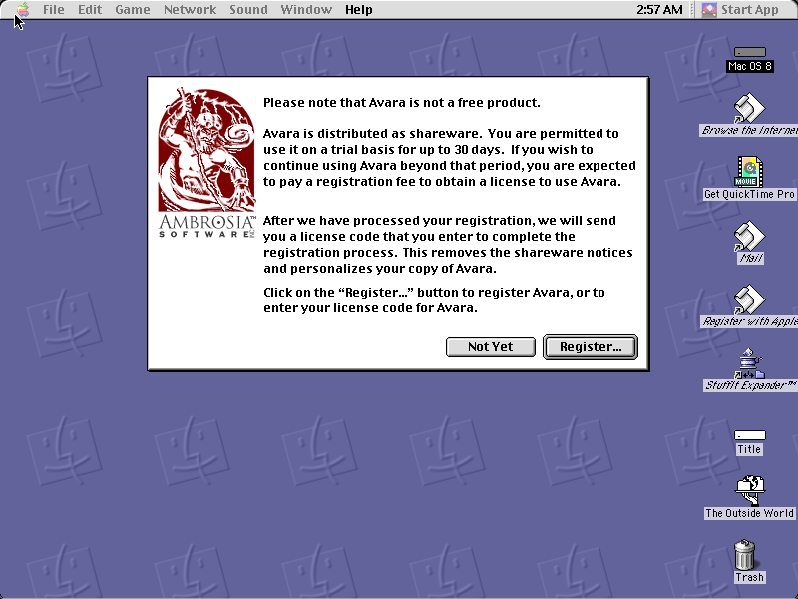
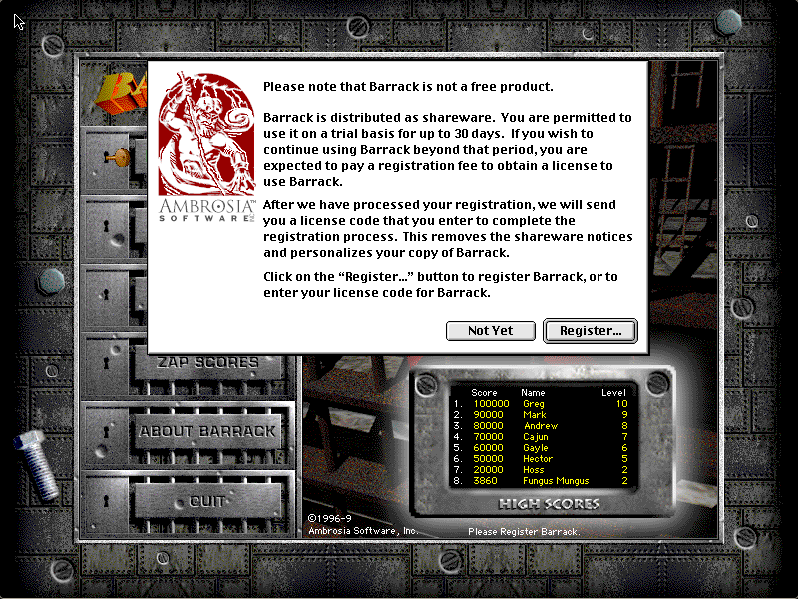
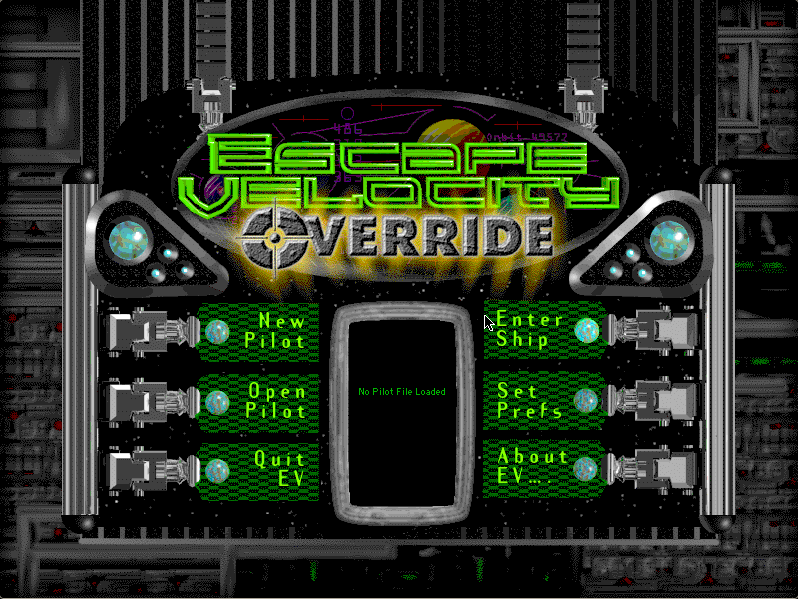
Boots Mac OS 8.6 and opens EV Override by itself. Ambrosia's shareware notice comes first: wait for Not Yet to light up, click it, then choose New Pilot and Enter Ship.
Controls
| Arrow keys | Thrust and turn |
| Space | Fire the primary weapons |
| L | Request clearance to land, then press again to land |
| M | The star map, to choose a hyperspace destination |
| J | Hyperspace jump, once far enough from the planet |
| Set Prefs | Every key can be changed from the main menu |
EV Override is Ambrosia Software shareware. Its licence permits non-profit distribution provided the software is unmodified and the complete works are included, and both are true here. The copy is unregistered, and the shareware notice it shows at startup is left in place. Full reasoning is in notices/ev-override.md.
Archives
- Internet Archive: the Ambrosia installer this copy was produced from, via the Tucows Mac archive.
How it works & what to expect
| Machine | Power Macintosh, 800×600, 256 colours |
|---|---|
| System | Mac OS 8.6 |
| Emulator | SheepShaver, compiled to WebAssembly |
| Version | EV Override 1.0.2 (the game first shipped in April 1998) |
| Saves | Inside the emulated Mac, in your browser |
The first start is the slow one: Mac OS 8.6 downloads once and every Mac OS 8 title after it starts much faster. EV Override takes over the whole screen, and the emulated Mac is set up for it.
Getting started
From the main menu, choose New Pilot. The game asks for your name (it suggests Rick Hardslab) and offers Strict Play: tick it and death is final, with no reloading. Then it asks you to name your new S-685 shuttlecraft, fresh from the Liverpool shipyards. Enter Ship puts you on the ground at a spaceport, where you can trade, visit the bar for missions, buy upgrades or take off.
In space, landing needs clearance: press L to ask, then L again to land. To leave a system, open the map, pick a nearby system and fly far enough from the planet before jumping. The game tells you when you are too close, too fast, or short of fuel.
What changed from Escape Velocity
Ambrosia's own FAQ describes Override as the huge follow-up to the original Escape Velocity: a much bigger universe, a slew of populated worlds, and no more never-ending wars. Winning critical battles changes who controls what, or you can ignore all of it and make a living as a trader, as long as the renegades leave your cargo alone.
It was made by Matt Burch, Chris West and Peter Cartwright on an improved Escape Velocity engine, and it ships with a plug-in folder and a developer's reference, which is why the EV series grew such a large modding scene. EV Nova followed in 2002.
Questions people ask
Is this the real EV Override?
Yes: version 1.0.2 from Ambrosia's own installer, running on an emulated Power Macintosh. It is not a remake or a fan port.
Is it legal to play here?
EV Override is Ambrosia shareware, and its licence allows non-profit distribution as long as the software is unmodified and complete. This site is non-profit and carries no advertising, and the shareware notice is left in place.
How do I start?
Click Not Yet on the shareware notice once it lights up, then New Pilot, give your pilot and ship a name, and Enter Ship.
What is Strict Play?
An option when you create a pilot. With it on, dying ends that pilot for good; there is no reloading an earlier save.
How do I land and jump?
Press L near a planet to ask for clearance and L again to land. For a jump, open the map with M, choose a nearby system, fly clear of the planet and press J.
Is my pilot saved?
Pilots are saved inside the emulated Mac, in your own browser, so they survive closing the tab but not clearing site data.
Is there an EV Nova here?
No. EV Nova (2002) was a later, separate product.
Put EV Override on your own site
Free, no permission needed and no account. Paste this where you want the machine to appear; it brings its own emulator and asks nothing of your page.
<iframe src="https://macemu.com/embed/ev-override/"
        width="800" height="600"
        style="border:0;max-width:100%"
        allowfullscreen
        title="EV Override"></iframe>
Sized to this title's real screen. How embedding works.